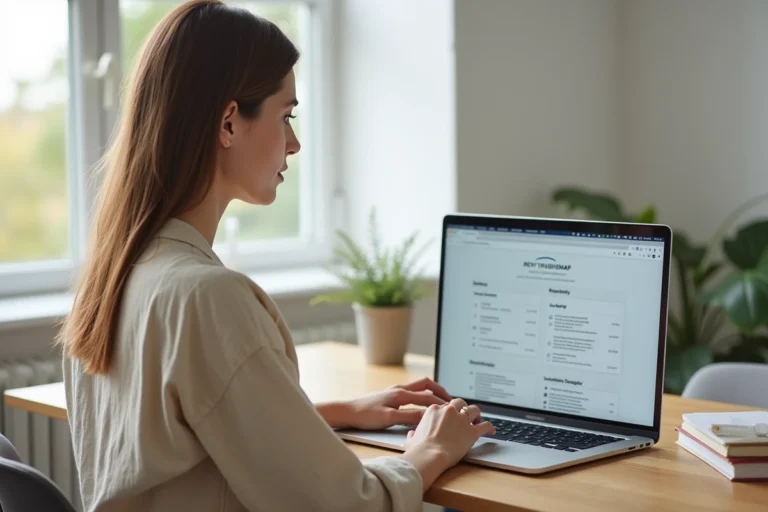
In today’s digital age, managing personal finances through online platforms has become the norm. Banks and financial institutions offer secure portals that allow users to access their accounts, track their spending, make transactions, and plan their budget remotely. This digitalization provides unprecedented convenience, but it also requires a certain familiarity with technological tools. For novices or those less comfortable with technology, the question of how to get started with online banking and navigate these platforms safely can be challenging.
Essential steps to access your online account
Find your way to complete mastery of your budget management by following these guidelines that apply to any financial institution, including modern banks like N26 or dedicated apps such as Money Manager Expense & Budget. Start by creating a secure access to your bank account. For this, La Banque Postale identification provides a concrete example: once on the site, you are guided step by step to create your login credentials. Be sure to follow security guidelines for a strong and unique password.
Log in to your personal space and explore the various features offered by your bank or app. From sub-accounts like those offered by N26 with ‘Sub-accounts Spaces’ to detailed spending reports by Wallet, take the time to familiarize yourself with these tools. Apps like 1Money and Easy Home Finance allow you to create clear graphs of your spending, making it easier to visualize your financial situation.
Manage your personal finances by leveraging the capabilities of these platforms. If you’re looking to assign a function to every euro, YNAB (You Need a Budget) will be your ally with its zero-based budgeting approach. For real-time tracking of your transactions, apps like SayMoney and Moneydance can prove invaluable, the former offering analysis of recurring expenses and the latter providing precise budget management through a clear interface and colorful graphs.
Security tips and best practices for managing your finances online
Ensure the security of your banking data by adopting secure login practices. Using a password manager to store your credentials securely is a wise measure. Enable two-factor authentication when your online bank or budgeting app offers it. Such a feature, often overlooked, serves as an additional barrier against unauthorized access to your financial information.
Regularly monitor your account for any suspicious activity. Modern budgeting apps offer notifications for budget overruns and debt repayment assistance programs, proving to be effective tools for maintaining control over your finances. Don’t hesitate to customize alerts to match your spending habits and financial goals.
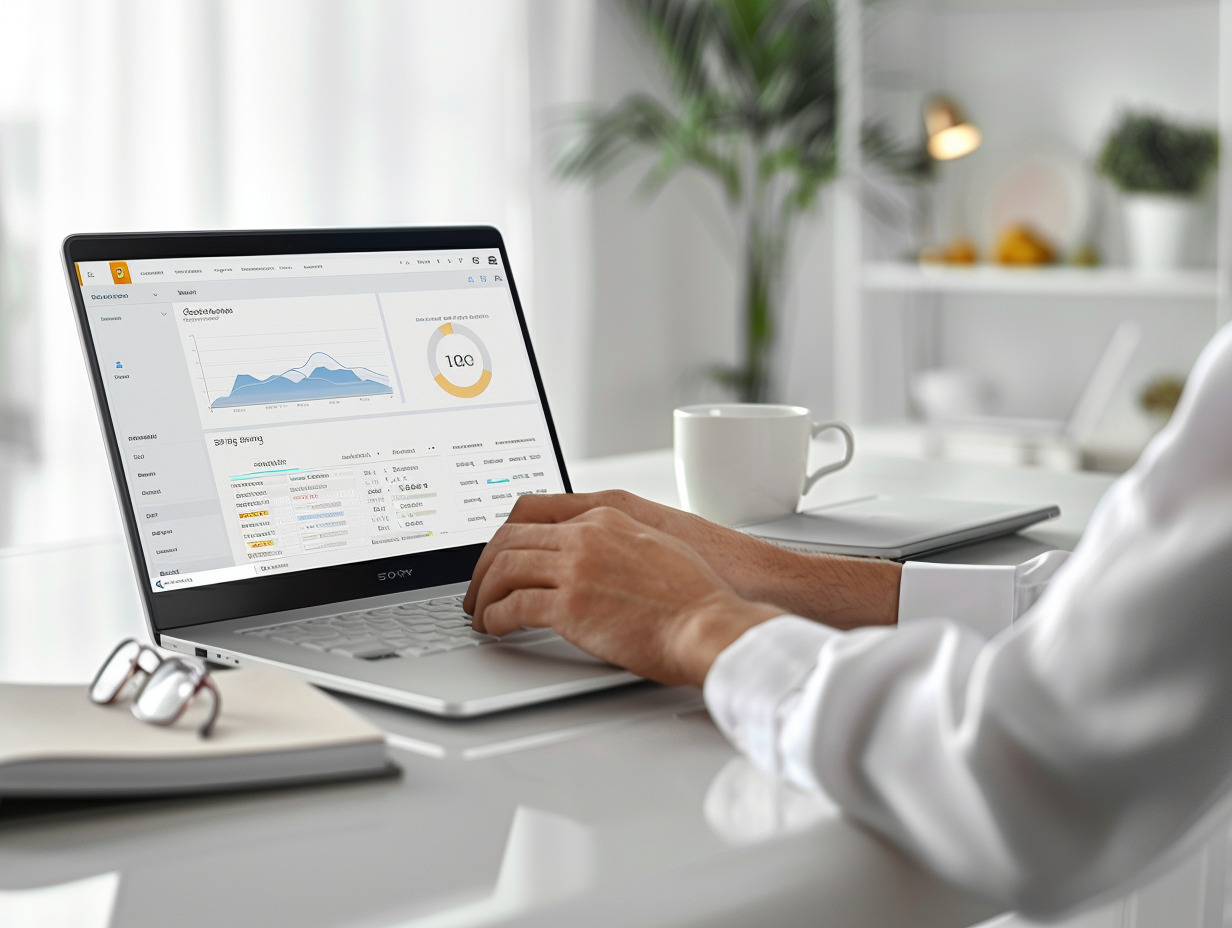
Optimize the organization of your finances by taking advantage of concise dashboards and detailed bill tracking provided by these apps. Focusing on the total amount set aside and optimizing expenses thus becomes a less daunting task. Consider these tools as allies, not only for daily management but also for long-term planning of your financial health.
Regularly update your budgeting apps to benefit from the latest security features and financial optimization. Updates often bring vulnerability fixes and enhancements that strengthen the protection of your data. Through this constant vigilance, you stay ahead of potential risks and ensure smooth and secure management of your personal finances online.